Click on an image to start the animation.
 |
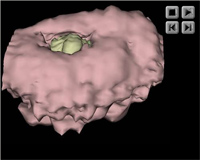 |
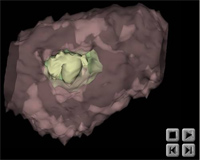
| Animation 1: Horizontal rotation of the trophoblast (pink) which fades to reveal the epiblast (green) and hypoblast (yellow)of the embryonic mass. | Animation 2: Horizontal oscillation of the trophoblast. The membranous trophoblast has been omitted to show the embryonic mass within the chorionic cavity. |
 |
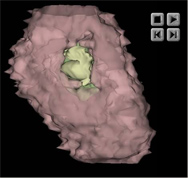 |
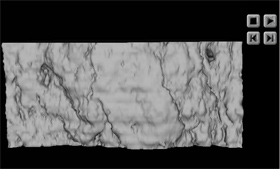
| Animation 3: Surface view of the implantation site which fades to reveal to location of the trophoblast. | Animation 4: Vertical rotation of the partially transparent trophoblast showing the location of the epiblast (green) and hypoblast (yellow) |
These 3D animations were made from the WinSurf reconstructions. To enable users to better study the reconstructions, we are also providing the original WinSurf files together with a WinSurf Viewer. This viewer will allow users to open WinSurf data files and view reconstructions with all the display options of the full reconstruction program. Models can be rotated about all three orthogonal axes, users can zoom in and out when viewing models and models can be translated. Also, the color and opacity of different objects in the models can be varied.